Happy New Year! Forget all that stuff about the Mayan Calendar. Be Cool!

Latest Reviews & Tutorials

  • GhostBSD 2.5 review
  • How to install Takeoff Launcher on Fedora 16 KDE
  • Install Quick Access on Linux Mint 12 KDE or any KDE installation
  • How to install Linux Mint 12 KDE on a btrfs file system
  • Manual disk partitioning guide for Linux Mint 12 KDE
  • How to compile and install Takeoff Launcher on Linux Mint 12 KDE
  • 3 must-have extensions for Fedora 16 and other GNOME 3 installations
  • How to install Razor-qt on Linux Mint 12 KDE
  • How to enable desktop slideshow on Linux Mint 12 KDE
  • KahelOS 111111 review
  • How to install Cinnamon in Ubuntu 11.10
  • How to customize Cinnamon on Fedora 16 and Linux Mint 12
  • How to install Cinnamon on Fedora 16
  • What does Cinnamon bring to the desktop?
  • How to access Microsoft Windows files and folders from Linux
  • How to dual-boot Pear OS Panther 3 and Windows 7
  • How to dual-boot Chakra Linux Edn and Windows 7, part 1
  • Linpus Lite Desktop 1.6 review
  • Chakra GNU/Linux Edn 2011.12 review
  • How to customize Pear OS Linux Panther 3

Zenserver


Some Linux distro developers maintain one iso image per architecture that may be used to install a desktop or server system. Some others have a separate iso image for a desktop installation, and a different iso image for a server installation. The Zenwalk team belongs to the latter group.

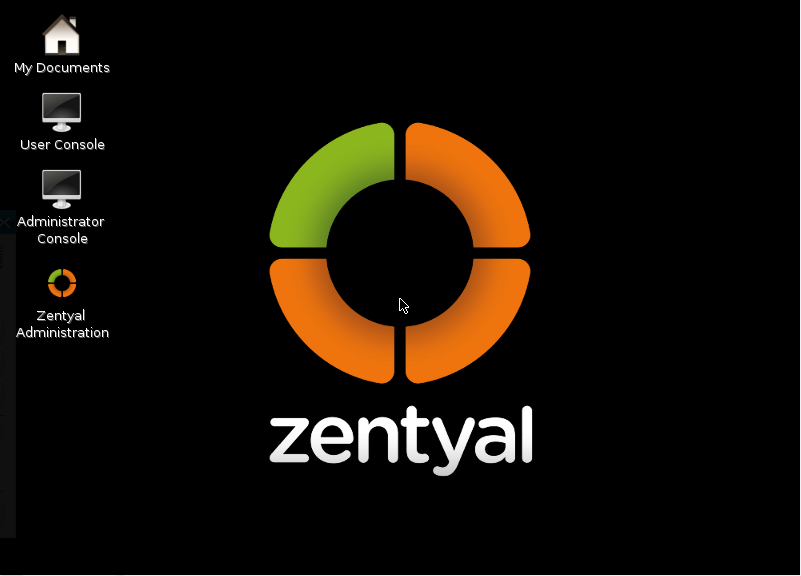
Zenserver is one of four iso images that the Zenwalk team maintains. The others are the standard Xfce-based Zenwalk desktop, the LiveCD version, and ZenEdu, the education-focused desktop. Like any other server operating system, Zenserver is designed to provide services – dhcp, ntp, BIND, CUPS, NFS services, etc, to client machines. Any Linux or BSD distribution can be configured as a server, i.e., to provide services to other machines on the network.

A very important feature that we expect any server system to have is support for logical volume management (LVM). Under Linux, LVM makes it easy to manage hard disk volumes (partitions). It allows a system administrator to, for example, allocate more space to a partition that is close to capacity.

Zenserver 0.5, which was released in mid-June, uses an installer that does not support LVM (or RAID) configuration. We know that the desktop installer does not support LVM, but we expected that the Zenwalk team would have tweaked the Zenserver installer to support LVM (and RAID) configuration. It truly does not make much sense to set up a Linux server without LVM, almost ten years after the technology made it into the (Linux) kernel.

The Zenwalk developers produce a good desktop distribution, but Zenserver needs to have support for LVM disk configuration and management if it is to be considered a modern server distribution.
0saves
To have articles like this delivered automatically to your Feed Reader or Inbox, subscribe via RSS or email. For simple comments, use the commenting system, but for more involved assistance, please use the Question & Answer section.

Posts From The Same Category:


Questions & Answers Hola! Looking for an answer to a question but did not find it? Then surf on over to the Questions & Answers section. It's a brand new addition to our site, and we are waiting just to answer your question(s).

Leave a Reply

Trackbacks

Read previous post:
Samba 3.2 Released
Distro Update: Sabayon Linux 3.5
WebAnywhere: Platform Independent, Open Source Screen Reader
Close