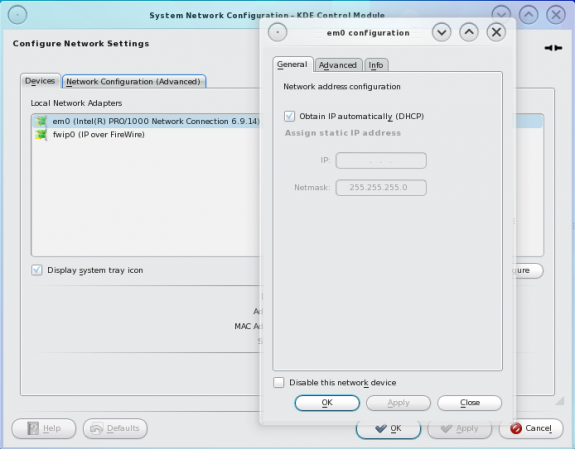
NetworkManager is one of those “must-have” and “must-be-installed-by-default” applications that I like to see running on any Linux or BSD desktop distro. The nm-applet, NetworkManager’s client application, is a Gnome desktop tool, and it is installed by default on the latest Gnome desktops. Similar applets exist for the K Desktop Environment – KDE, but none is as feature-rich as Gnome’s nm-applet. Kyle Gonzales has written a detailed article about NetworkManager and nm-applet in Redhat Magazine.
Here’s part of the article:
For years I have envied how easy my Windows- and Mac-based peers had it when traveling with their laptops. They connect to hotspots with ease, get online while I was still logging into root and running some tools. It just wasn’t fair. I wanted an integrated easy-to-use tool that did not require bringing up a shell or logging into root.
I now have that tool in NetworkManager. In this article I will explain what NetworkManager is, what capabilities exist in the tool (in both Fedora and Red Hat Enterprise Linux), and what you can do to extend it to give you more control over your system than before.
What is NetworkManager?
NetworkManager is a software utility that allows a desktop user to manage wired, wireless, modem, WWAN/3G, and VPN network connectivity from a single source. It does not require root access or manual editing of configuration files.
NetworkManager started as a Gnome project and initially appeared in Fedora. It is now supported on multiple desktop environments (Gnome, KDE, Xfce, etc.) and in multiple distributions (Fedora, SuSE, Ubuntu, Gentoo, Debian, etc.). NetworkManager uses dbus and hal to provide network status updates to other desktop applications, allowing them to alter their operation based on this information. For instance, if NetworkManager shows the network is offline, then apps like Evolution and Pidgin will put themselves into offline mode and wait for the network to come online.
How is the NetworkManager software deployed on the system?
You may read the rest here.