


 Elisa Media Center is a modular, cross-platform media center application developed by Fluendo S.A. of Spain. It is installed by default on Sabayon Linux, but on most other distros, you will have to install it yourself. Luckily, it is available as a package in the default repository of Linux Mint (6).
Because the Elisa dev team churns out a new version every (other) week, it is doubtful that you will find the very latest version in your distros default repo. On Linux Mint , for example, the version of Elisa Media Center available is Elisa-0.5.9 (see screenshot below). However, the latest version is Elisa-0.5.22.
To always have the latest version of Elisa running on Linux Mint 6, take the following steps:
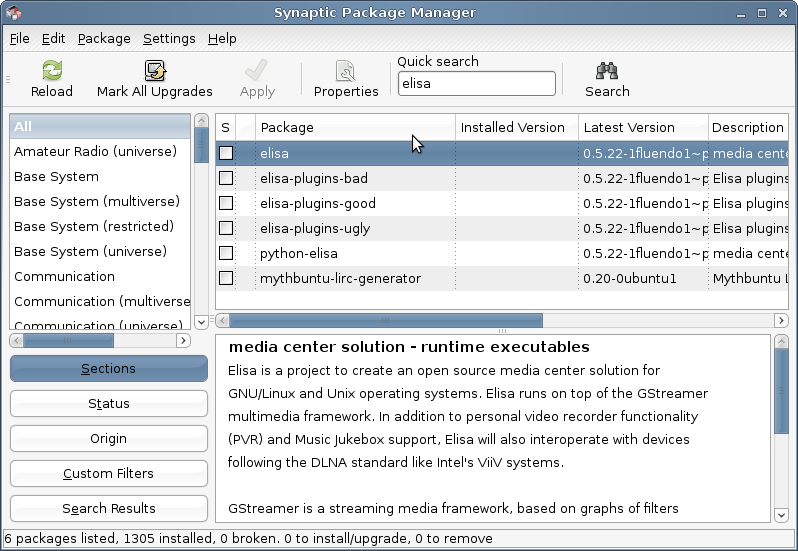
- Launch Synaptic, the graphical package manager, from the Linux Mint menu tree, and type in elisa in the search bar. You will notice that the version available is Elisa-0.5.9-1.
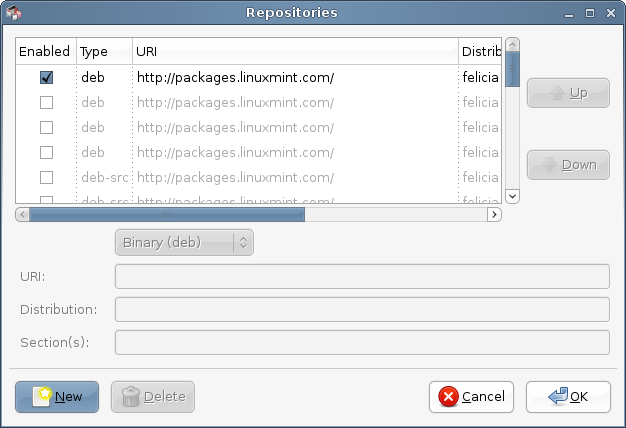
- From the Synaptic menu bar, click on Settings and select Repositories, then click on the New button to add a new repository
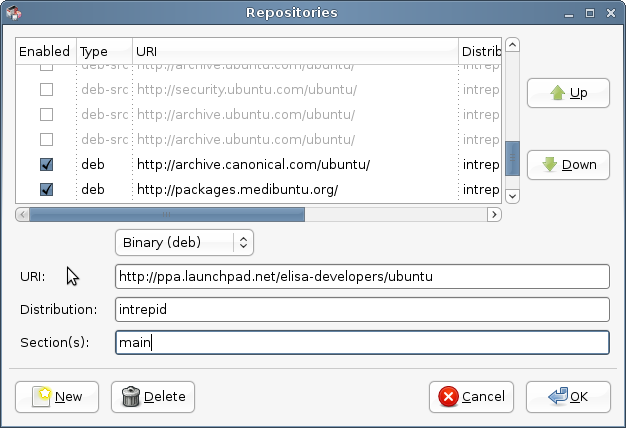
- Use the following info for the three required fields in the add repo window:
URI: http://ppa.launchpad.net/elisa-developers/ubuntu
Distribution: Intrepid
Section(s): Main
-
When you are done typing in the values, click OK and and then click Reload on the Synaptic window. You will notice when it’s done reloading and updating the repos, that the version number of Elisa and it’s plugins have changed. Now, you will always have the latest and greatest version of Elisa on your Linux Mint 6 installation.
-
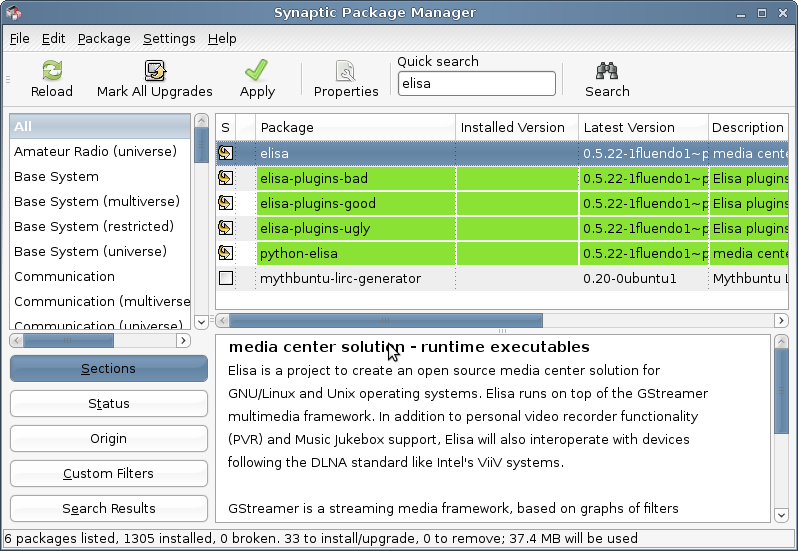
To install Elisa, click on it and choose Mark in the popup that appears. You will notice that all the plugins – good, ugly, and bad, and python-elisa will be automatically marked for installation. Click on the Apply button to install.
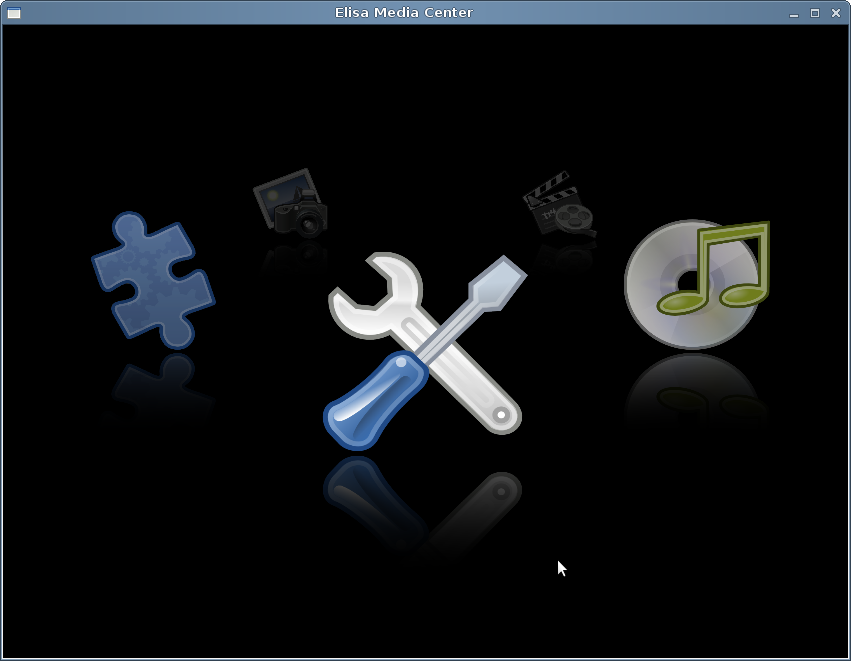
When the installation is completed, a launcher for Elisa Media Center will be placed under Sound & Video in the menu tree. Bon appetit!






Thank you for the article! For some reason I could not get the 0.5.9 version of Elisa to work properly in Mint 6. FYI: For those interested in MC, I have compared Elisa with XBMC on my mint box and do like both but Elisa wins on the interface being more simple! The Elisa 0.5.9 would not allow me to open the settings menu and it would not register basic media files like Divx, FLAX, etc. Another goof that may help people reading this is my synaptic interface that you describe here would not allow me to add this repository. I had to add it from Bash and BAM! it worked fine…I think I may have something funky on my Mint box with synaptic as this has happened before but it works fine from the terminal. The updated or version Elisa is working great!! Finally!! I was ready to throw out Mint and go back to straight ubuntu but was hoping for a solution…here it is.