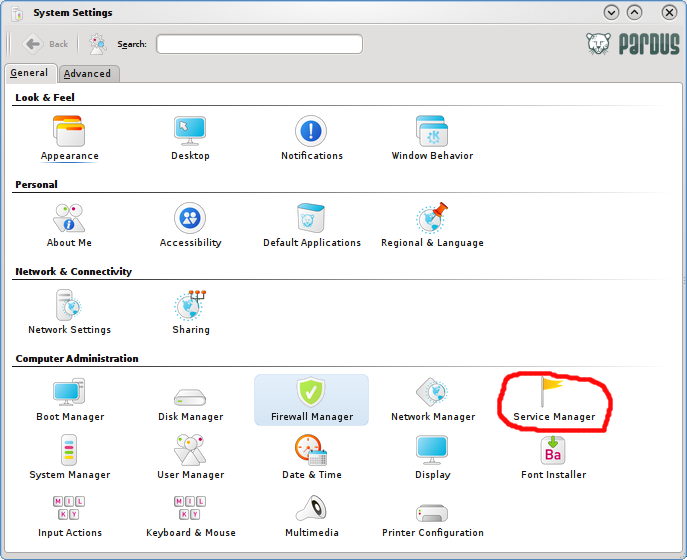
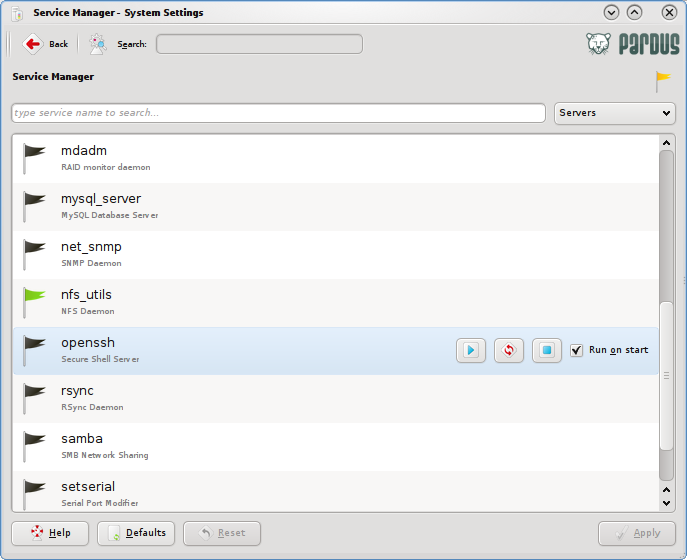
SSH If you have a need to use SSH server on Pardus, you probably already know how to enable it, but if you don’t, here’s how: Access the Control Center, and click on the Service Manager.
Pardus Control Center (Service Manager)
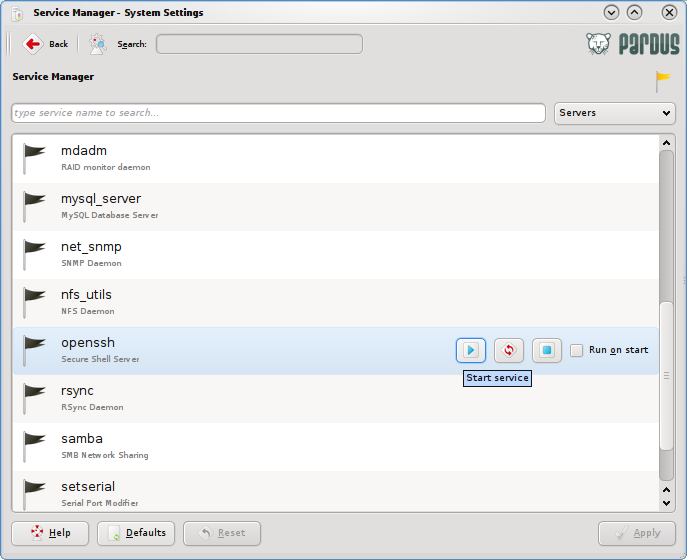
On the list of services that shows up on the next screen, scroll down to locate openssh (Secure Shell Server). Click on the Start Service icon to start the server. Then to ensure that the server will be restarted whenever you reboot the PC, click on the check box next to Run on start.
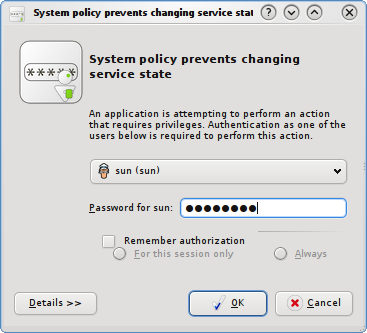
To enable this service, the system will prompt for your password. Type it and click OK
The openssh service line should look like the one below. With the service enabled, you may now connect securely from another machine using a Secure Shell Client.