
Nitpicking ….
The numlock service is not started by default. numlock is the service that enables the Num Lock key on your keyboard when the PC is booted up. When the service is not started, you will need to “enable” the Num Lock key before you can use the numeric keys (on your keyboard). To ensure that the numlock service is started on your next reboot, launch a shell terminal, su to root, and type in /etc/init.d/numlock start.
Final Verdict: Overall, Sabayon is a decent distro, but it’s in the little details (those features that makes using an operating system fun) that needs work. It’s not a distro I’ll recommend to a person new Linux without first telling them how to start and configure IPTables.
Pages: 1 2



Both aesthetics and ease of use are important to make your visitors to your site probably vote for them a useful website. Thanks.
Just installed Sabayon 10 last night. I must say I am impressed! Not only does Sabayon 10 run extremely well it looks and feels great using it in Cinnamon 1.6!
I downloaded the Sabayon 10 Gnome and Mate versions. I wanted to try out the Mate version, which is new in Sabayon 10 release.
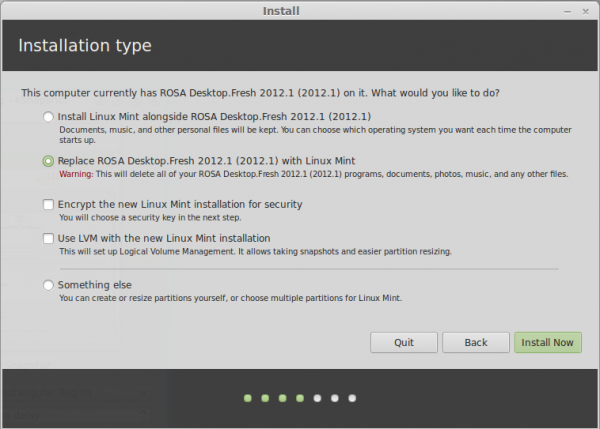
a quick correction to the above quick correction….Azerthoth is talkin $hit .. no!, encryption for lvm ..is not available what so ever
It is as I reported. Sabayon, even in the very latest version – 5.1, does not have support for encrypting a physical volume. You can, however, encrypt each logical volume (not very convenient, but it’s better than nothing). Also, you can configure plain-vanilla (i.e., non-LVM) disk encryption.
A quick correction, full disk encryption is available for both LVM and non LVM partitioning schemes in the installer.
On having both NM and wicd installed, NM has several nasty habits, so it was decided to ship wicd as an option as well.