
 I’m not a fan of Ubuntu. Never liked it, though I must admit that it is very popular, and has some nice features. I personally don’t like distros that use sudo especially now that Microsoft has been granted a patent for it. But not liking a distro will not stop me from helping others customize their desktop especially if that desktop is as bland as the default Ubuntu 9.10 desktop.
It is not going to be possible to make the Ubuntu desktop as visually appealing as the default Hymera Open desktop, but we can try. And the tool we are going to use is called Cairo-Dock.
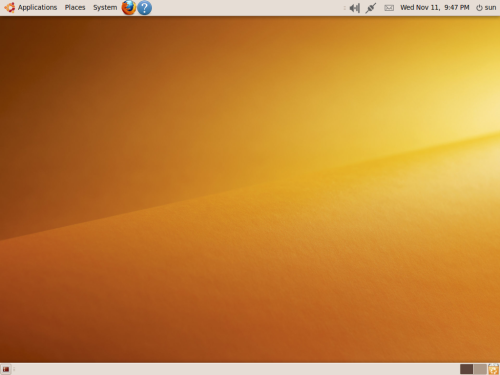
But before we install Cairo-Dock, let’s perform some surgery on the default desktop. First, take a look at the default desktop on Ubuntu 9.10 (aka Karmic Koala). You gotta agree that that’s as plain-vanilla as you can get on a desktop.
Ubuntu 9.10 default desktop
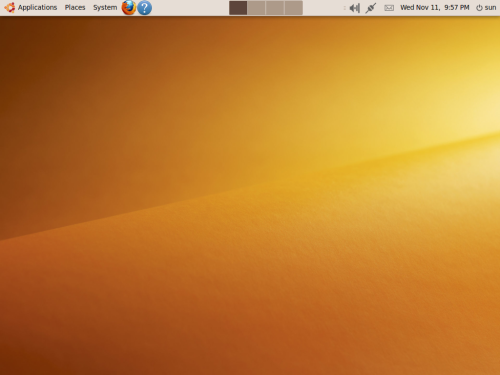
What we need to do is remove the lower panel. Right-click anywhere on the lower panel and select ‘Delete This Panel.’ The modified desktop should look just like the one in the screenshot below.
Modified Ubuntu 9.10 desktop
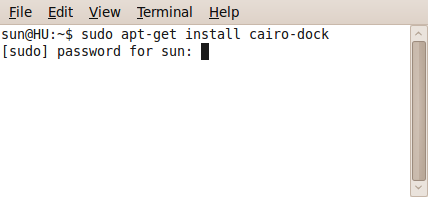
Ok, time to install Cairo-Dock. To do that, you’ll have to use Synaptic or the command line (Cairo-Dock is not available from the Ubuntu Software Center). For this article, I’m going to use the command line. Launch a shell terminal (Applications > Accessories > Terminal), and type in this command: sudo apt-get install cairo-dock. If you are using Synaptic (System > Administration > Synaptic Package Manager), type ‘cairo-dock’ in the search box.
Installing Cairo-Dock from the Linux cli
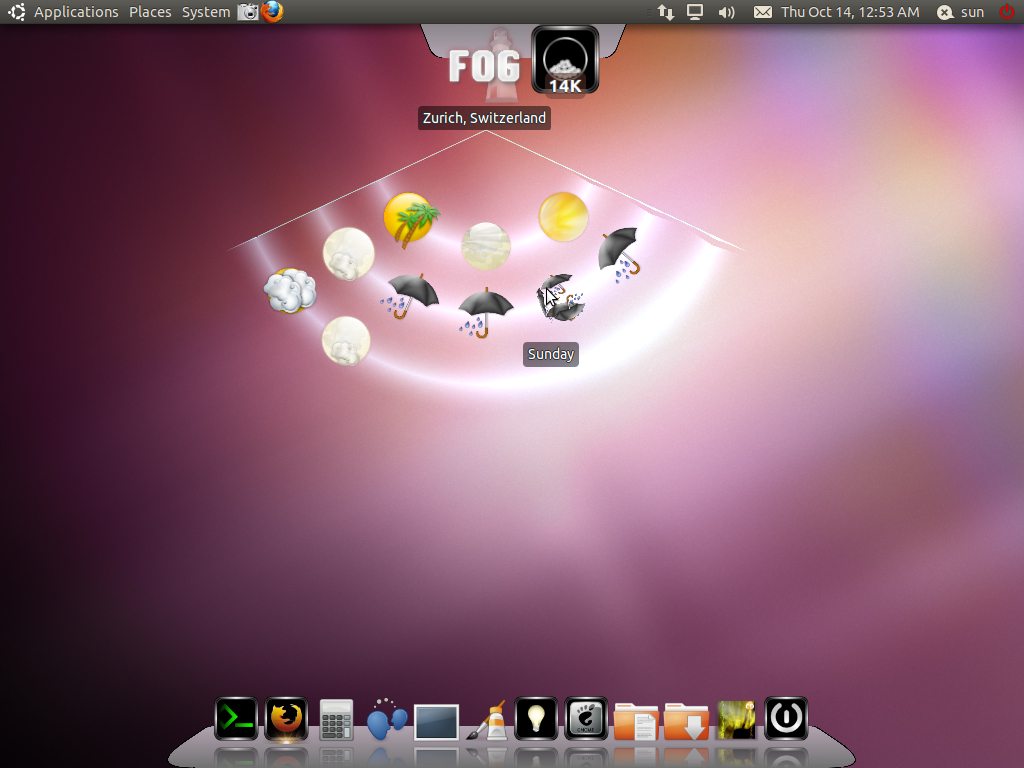
After installation, two entries for Cairo-Dock will be placed in the menu – Applications > Accessories > Cairo-Dock (no OpenGL), and Applications > Accessories > GLX-Dock (Cairo-Dock with OpenGL). The latter is better. So launch GLX-Dock from the menu. The default theme does not really appeal to me, so I changed it to the Diamond theme by Coz. My new desktop is shown below.
Ubuntu desktop with Cairo-Dock
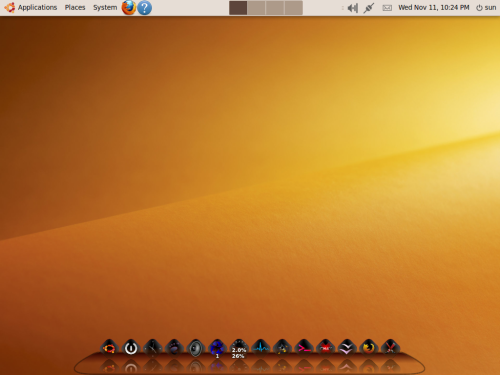
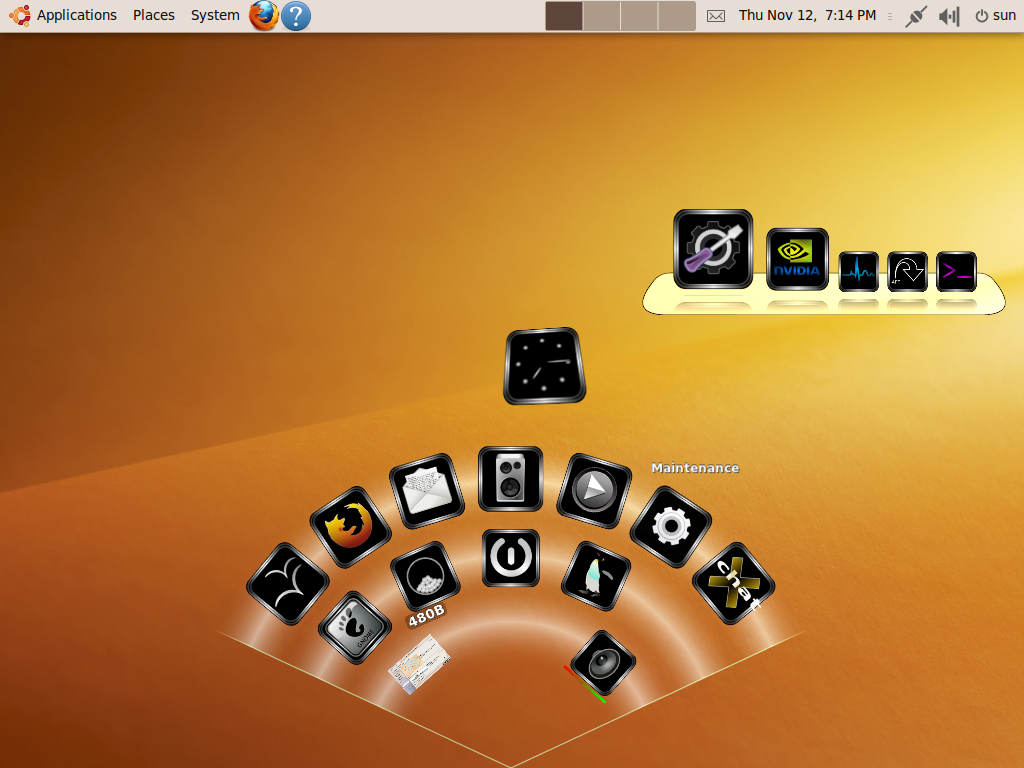
Not bad, eh? Certainly better than the default panel that we deleted. Cairo-Dock is highly customizable. You can move launchers around, create sub-docks, change the position of the dock itself, add and remove launchers, and manage themes. And there are lots of themes to choose from. Click on the screenshot below to access Screenshot Central and view more images from the Cairo-Dock-beautified desktop.





First decent proposal on the subject. Thanks.