
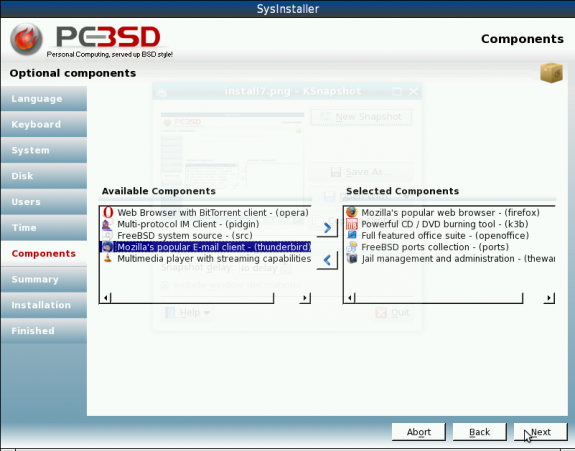
This screen shot shows the components that I think most users would want to install. Firefox and OpenOffice.org are definitely essential. So is K3B. Next.
The installer gives you the opportunity to review your settings. Review and go back and make any necessary changes. Next.
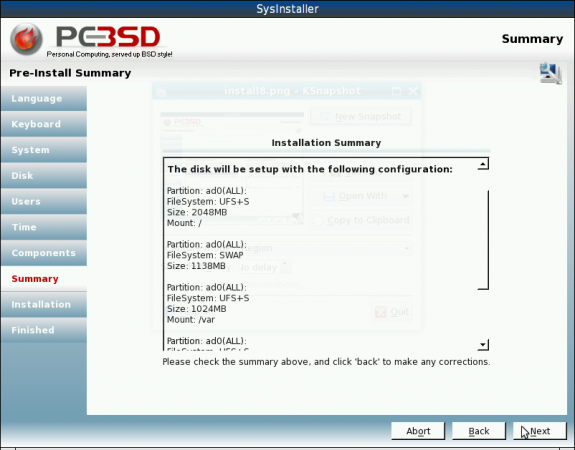
Time to review your installation choices
The installation is now in progress. kick back, relax, and wait. The installation should be complete in less than 30 minutes,
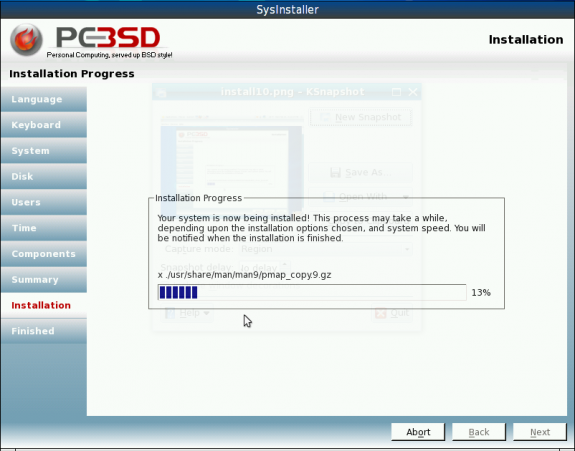
Installation progress
This is the final installation page, after the whole process has been completed. You may now reboot into PC-BSD 8. Finish.
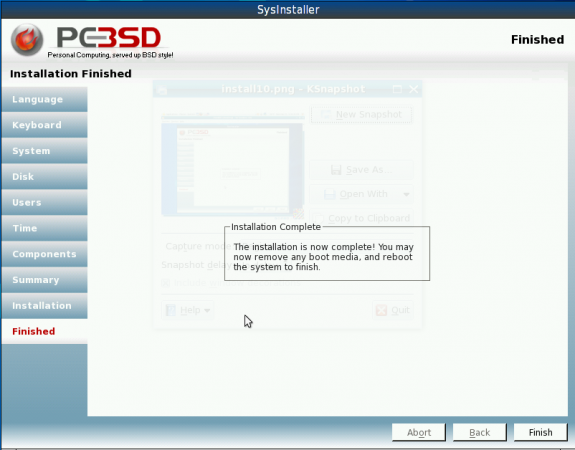
The installation is completed. You may now reboot into PC-BSD 8.
Pages: 1 2





I am *very* impressed with PC-BSD 8. It detected almost everything out of the box, and after a quick kernel update and compile, I had my wifi up (Dell Studio 1745). Not only is it easy to install and use, but it looks like many of the bugs in the last version have been smoothed out. I still haven’t done much with the PBI system (had lots of issues with 7.1) but so far the ports that I had some issues with in 7.1 are compiling nicely now. We’ll see if it stands the test of time – if it has major issues, I will probably still copy the X.org conf (excellent out of the box, whereas FreeBSD always requires some work – I like learning to configurations, but that doesn’t mean I want to have to go through them by hand every time I install the OS) and a few other autoconfigured options that were surprisingly very much the way I wanted them. Last time around I had to do a lot more tweaking to start to feel comfortable, but this time, I think there have been major strides made to make the install and basic configuration smooth. And the live DVD is really cool. Easily the best FreeBSD derived OS, IMO – and since it will also install FreeBSD instead of PC-BSD at your discretion, there’s no real downside to getting a copy of this. everyone should try it!