Vine Linux is a Japanese, RPM-based, multi-purpose distribution. It is developed and maintained by Vinecaves, and it’s based on an earlier version of Fedora. It is one of those distributions that excludes non-free (proprietary) applications from its default installation. Unlike similar distributions, however, it has developed a smart method to make installing non-free applications very easy.
Origin – Home: Japan – Vine Linux
Desktop: GNOME is the default desktop environment on Vine Linux.
Key features: The following are some of the key features of Vine Linux:
- Graphical installation interface powered by Anaconda
- Linux Logical Volume Manager (LVM) and RAID are supported by the installer. LVM is the default disk partitioning scheme
- Disk encryption is not supported by the installer
- Ext3 is the only journaling file system type available during installation
- RPM-based, but APT-ified
- Firewall is enabled out of the box
Reviews and Tutorials: A review of Vine Linux 5.1 is available here.
Download: Vine Linux is supported on 32-bit and 64-bit platforms. Download information is available on the project’s home page.
Screenshots:
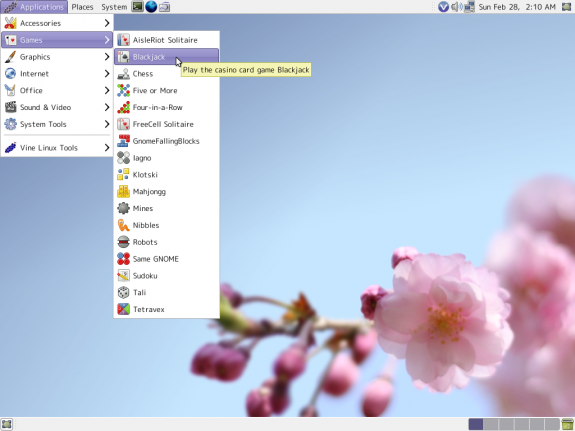
The default desktop of Vine Linux showing the games installed by default