 Boot.fedoraproject.org (BFO) is Fedora’s implementation of boot.kernel.org, a project designed to give computers the capability to boot from a network. The actual program that provides this capability is gPXE, which evolved from the Etherboot project. Fedora’s twist on gPXE allows you to network-boot current, past and future (Rawhide) releases of Fedora. All you need to do is download a small iso image (the current BFO weighs in at just 626 KB), transfer it to a media, boot of that media and perform any number of tasks that you would normally perform with a full CD or DVD iso image. The next few shots will take you through the features of BFO.
This is the main page of BFO. You can see that it has all the features of a full installer.
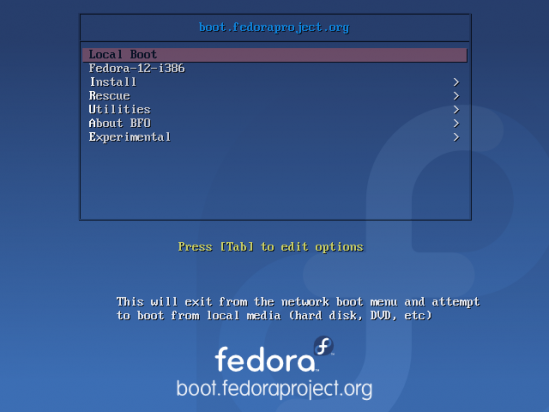
BFO's main page
This is the “Install” page of BFO. You can install current versions (12), earlier versions (11) and upcoming or development versions (Rawhide) of Fedora. Currently, installing Rawhide versions does not work.
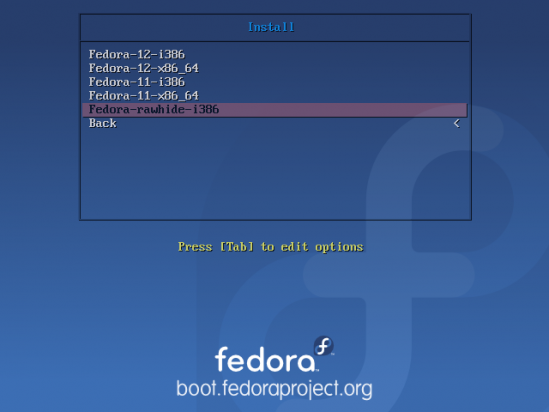
BFO install options
This is the “Rescue” page. Rescue operations for 32-bit and 64-bit editions of Fedora 11 and Fedora 12 are supported.
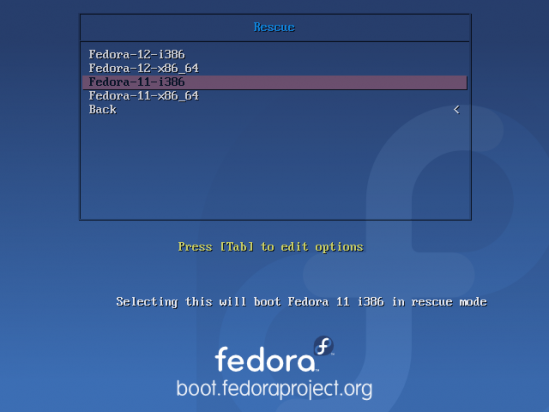
BFO rescue options
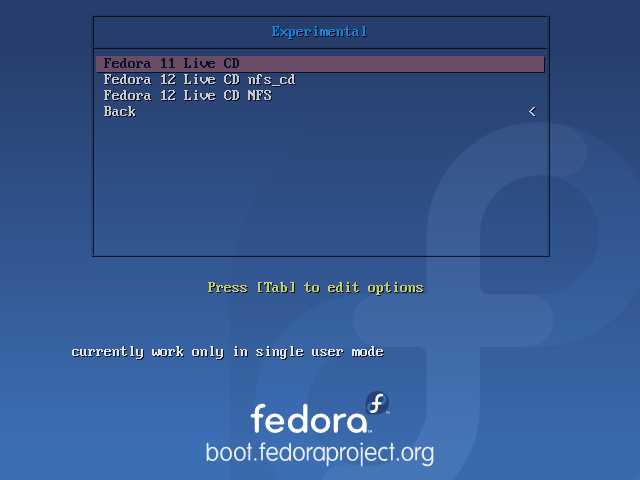
Network-booting into a livecd environment is still experimental, that is, it does not work.
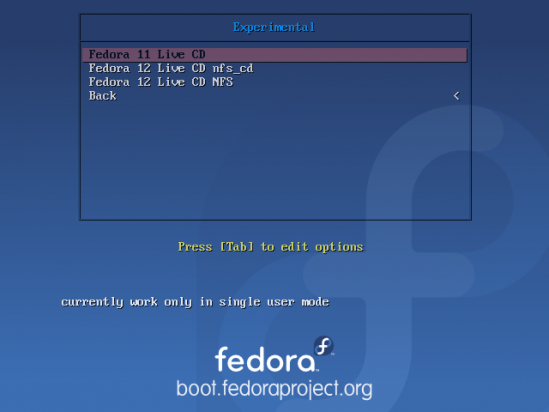
BFO experimental options
This is what you get when you chose an installation option. you can see that the program is downloading components that would normally be part of complete iso image.
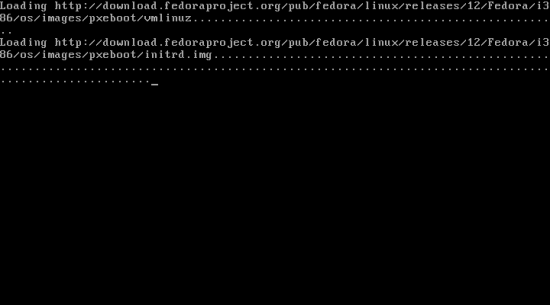
BFO installing
On a regular DSL connection, downloading the install image takes about ten minutes.
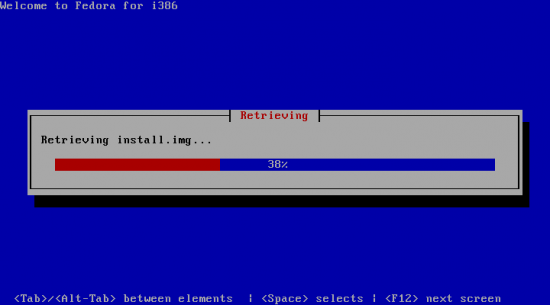
BFO downloading install.img takes about 10 minutes on a DSL connection
The promise of BFO is that you will no longer have to download huge CD or DVD iso images in order to install, rescue or play with a livecd edition of Fedora. And since it is possible to perform all those operations on current, past and Rawhide versions, you will only need to download BFO once and use it “forever.” BFO is slated to be released with Fedora 13. The video below gives you a brief history gPXE and an insight into some of it’s other features that are not part of BFO. By the way, the video was produced by the core hackers of gPXE.