 Fedora is one of a handful of Linux distributions that adopts the Linux Logical Volume Manager (LVM) as its default disk partitioning scheme. LVM provides more flexible disk management capabilities than the age-old UNIX/Linux method, and that’s why I prefer Linux distributions with support for it over those that do not.
The problem with Fedora’s default LVM configuration is that the allocation of disk space to the logical volumes violates a very simple guideline that you are encouraged to abide by: Allocate just enough disk space to each logical volume that’s required to get your system up and running. In other words, leave some disk space unallocated in case you need it to grow a logical volume or to create a new logical volume for a special purpose.
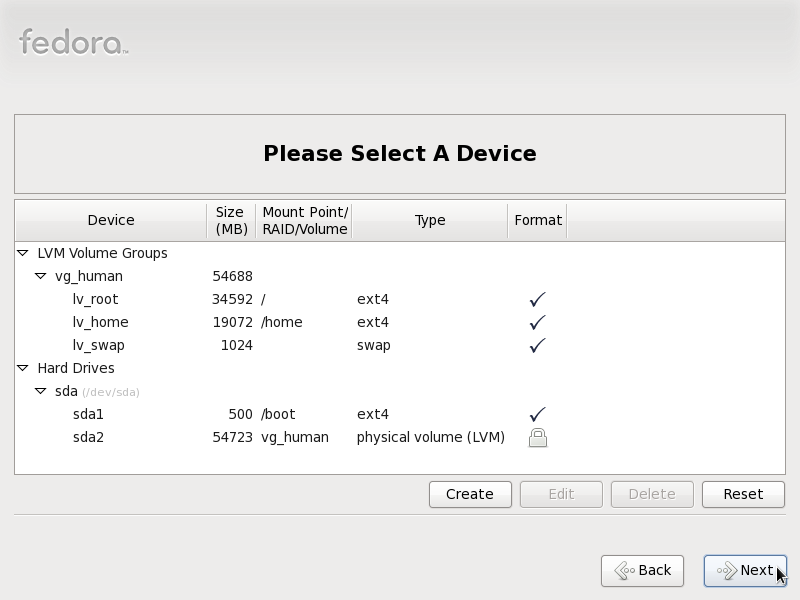
The image below is from a test installation of Fedora 13 on a system with about 55 GB of disk space. About 500 MB of that was used for the non-LVM partition for /boot. Studying the image closely, you can discern that about 34 GB and 19 GB were allocated to / and /home respectively, and about 1.0 GB for a logical volume for swap. And that does not make sense because what this image doesn’t tell you is that only 3.0 GB of the space allocated to lv_root (the logical volume for /) was used for the installation. So if you add the 173 MB that was used up in lv_home (the logical volume for /home), less than 3.2 GB was required to get a default installation of Fedora 13 up and running.
Default partitions created for Fedora 13
A better and more sensible allocation of disk space would have been to allocate, say, 7 GB to lv_root, which should have been plenty for a default installation, and 10 Gb to 20 GB to lv_home. The unallocated space should then be there when you need to grow any of the logical volumes, or to create another one if you need to. Hopefully Fedora 14, or whatever the next release will be called, will adopt a more sensible allocation of disk space to logical volumes. If you would like to configure LVM the right way, read manual LVM configuration on Fedora 13.