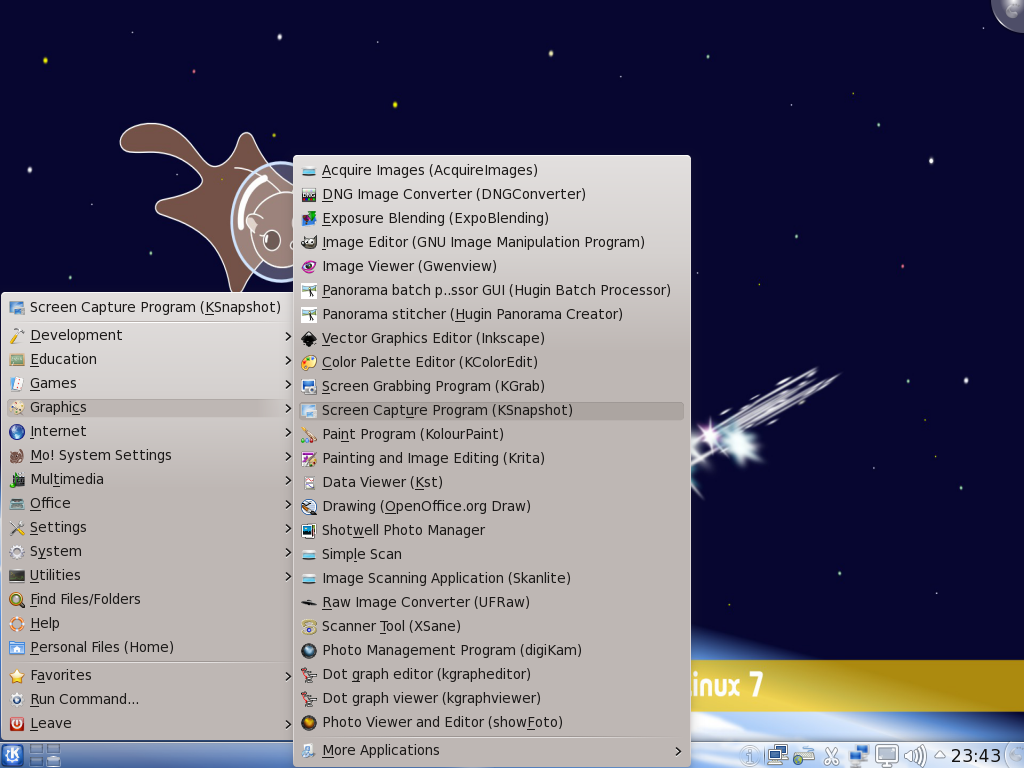
Momonga Linux 7 review Sep 16, 2010 | Momonga, Reviews | 2 Screenshots: Enjoy a few screenshots from Momonga Linux 7. The Momonga 7 login window Momonga 7 login widow The default KDE desktop on Momonga 7 KDE desktop Another example of the mess that is the KDE menu. A shot of the KDE menu Subscribe To Our NewsletterSubscribe to our newsletter to receive weekly updates of articles and tutorials. Subscribe You have Successfully Subscribed! Pages: 1 2 3 4





may i know Momonga 7 is Fedora fork or remix ? Have u try install Fedora app like ailurus ?
I think it is more of a remix than a fork. Generally, you can install any Fedora package if you add the repo. As for ailurus, it is not in the default Momonga repo, but if you can add the Fedora repo it is in and install it via yum .
Hope that answered your question.