
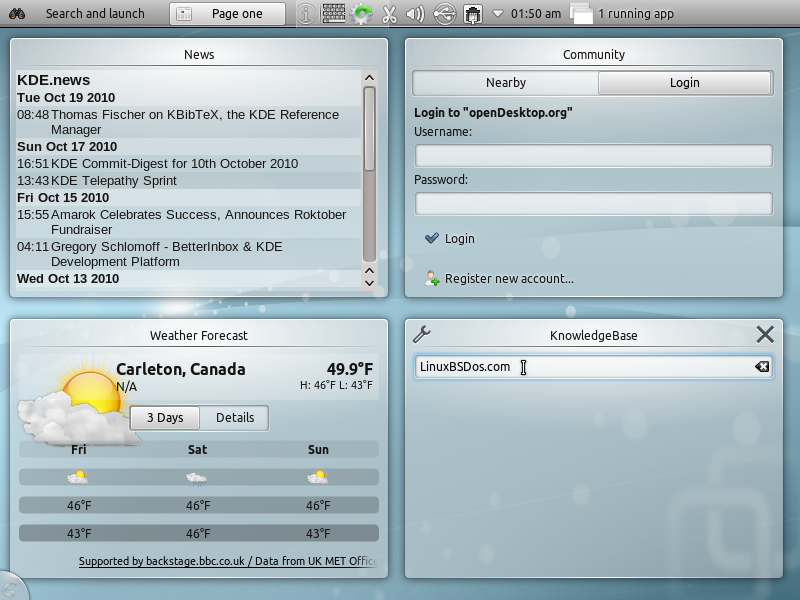
By default, the panel is locked. Unlock it by right-clicking and selecting Unlock Panel.
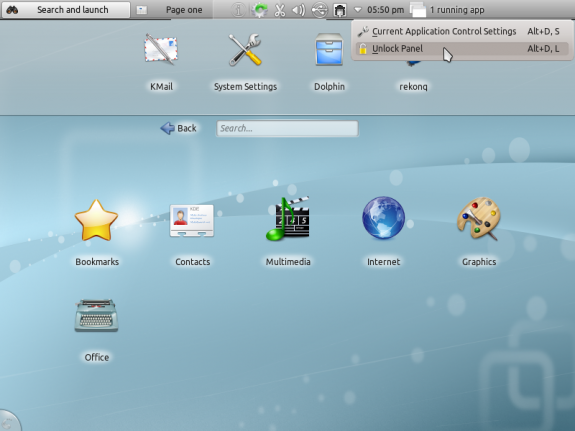
Unlocking the panel
Right-clicking on the unlocked panel brings up more options.
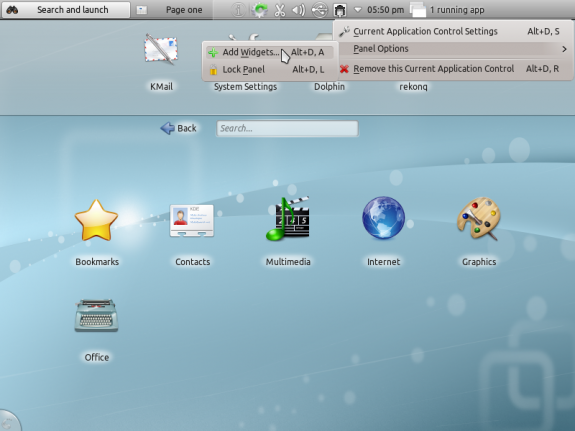
Locking the panel
The Netbook interface appears to be designed to stay out of your way. For example, when an application is in use, and the application’s window is maximized, the Panel will auto-hide. This is elegant because it allows use of 100% of the available desktop space. This becomes especially important when you are using this on a computer with a small screen size, like a netbook or tablet PC.
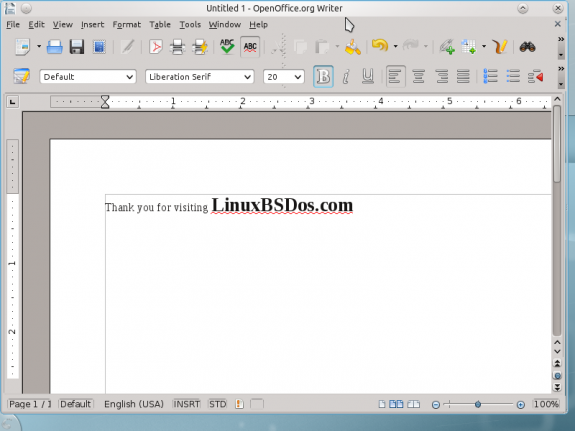
Panel auto hide
When you mouseover an application’s title bar (the search bar for a Web browser), the Panel will become visible. By default, applications, like a Web browser, will open in fullscreen view (maximized). When the Panel becomes visible on mouseover, you may then toggle fullscreen view, or close the application.
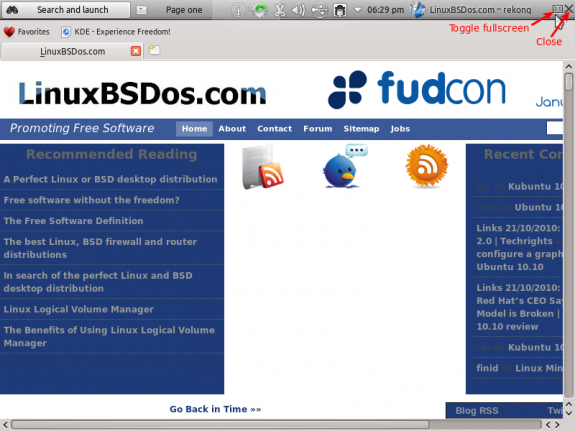
Panel visible, window fullscreen toggling and close button
I think the main feature, and perhaps the coolest of the KDE Plasma Netbook interface, is Search and Launch, or SAL. Type a Web address into the search box, and the default Web browser will appear in the main widget area. Clicking on it will launch the browser and take you to the address that you typed. Type “mail,” and all applications that have anything to do with mail, or email, will appear in the main widget area. It is truly cool. Me likes.
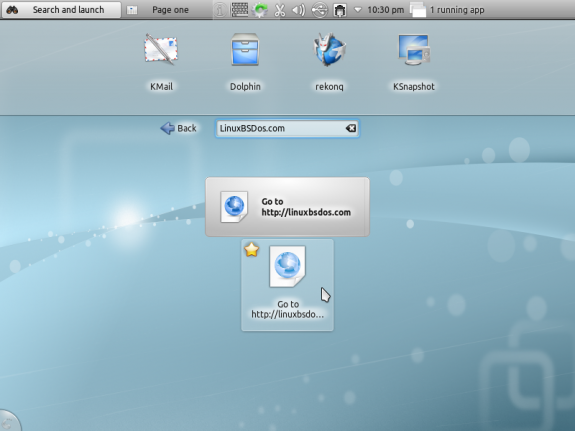
Search and Launch in action
Searching for “music” on the Plasma Netbook workspace calls up all the music-related applications installed.
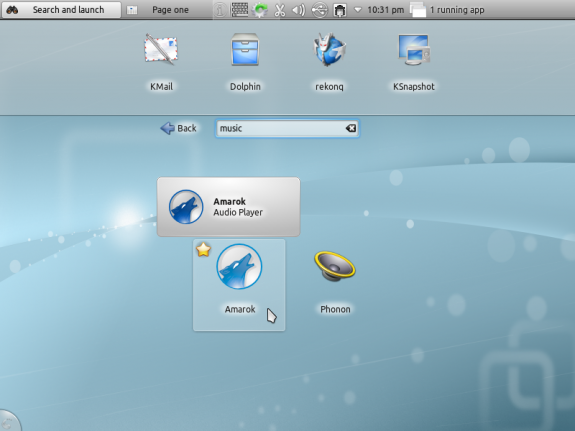
SAL in action




Very nice informative review of a cool netbook interface. I don’t have a netbook myself but I tried on my laptop and desktop. I think KDE really Rocks.
I tried it from USB on my wife’s netbook, Unfortunately, she can’t install it because it is her work netbook.