
Cinnamon 1.3.1 is the latest version of Cinnamon, a new desktop environment forked from GNOME 3 by the developers of Linux Mint. Given the need for a desktop other than Unity on Ubuntu, Cinnamon just might be the best GNOME 3 alternative desktop environment available.
This tutorial gives the simple steps required to install Cinnamon 1.3.1 on Ubuntu 11.10. It is slightly different from how to install Cinnamon in Ubuntu 11.10, which was about installing Cinnamon 1.1.3. Installing version 1.3.1 involves a few more steps.
If you installed Cinnamon using the tutorial referenced above, following the steps given here will upgrade the version you have installed (Cinnamon 1.1.3) to Cinnamon 1.3.1. And it will make you one happy Cinnamon user because Cinnamon 1.3.1 rocks.
Step 1: Add PPA – There is an untrusted PPA for Cinnamon on Launchpad.net (here). To add it to the list of package sources, launch a shell terminal and type sudo add-apt-repository ppa:merlwiz79/cinnamon-ppa. Once that is completed successfully, type sudo apt-get update.
Completing this step made two packages – muffin-common-1.0.0 and libmuffin0-1.0.0 available for installation. Those packages are required (dependencies) by Cinnamon. Leave the shell terminal open because there are still more commands to run.
Step 2: Install Cinnamon – To install Cinnamon, type sudo apt-get install cinnamon. That command will install Cinnamon 1.2.0. Next step is to install Cinnamon 1.3.1.
Step 3: Install Cinnamon 1.3.1 – While Cinnamon 1.2.0 runs happily with muffin-common-1.0.0 and libmuffin0-1.0.0, Cinnamon 1.3.1 requires muffin-common-1.0.1 or higher and libmuffin0-1.0.1 or higher. Before upgrading Cinnamon 1.2.0 to Cinnamon 1.3.1, therefore, you need to upgrade muffin-common and libmuffin0
Download muffin-common from here and libmuffin0 from here and Cinnamon 1.3.1 from here. Note: You should download the .deb packages from those links and save them to the same folder.
Now to the fun part of this step. From the same terminal that you had open from the above steps, change (cd) to the directory that you saved the downloaded packages into, and type these commands in the order they are listed:
- sudo dpkg -i muffin-common_1.0.1_all.deb
- sudo dpkg -i libmuffin0_1.0.1_i386.deb
- sudo dpkg -i cinnamon_1.3.1_i386.deb
Step 4: Finish – If all the packages upgraded successfully, logout and log back in. You should now be running Cinnamon 1.3.1. Be sure that “Cinnamon” is still select in the login screen’s session menu. A few screen shots from my test installation are appended below.
Cinnamon desktop showing the menu.

The panel Calendar.

Desktop showing the Network Manager applet.

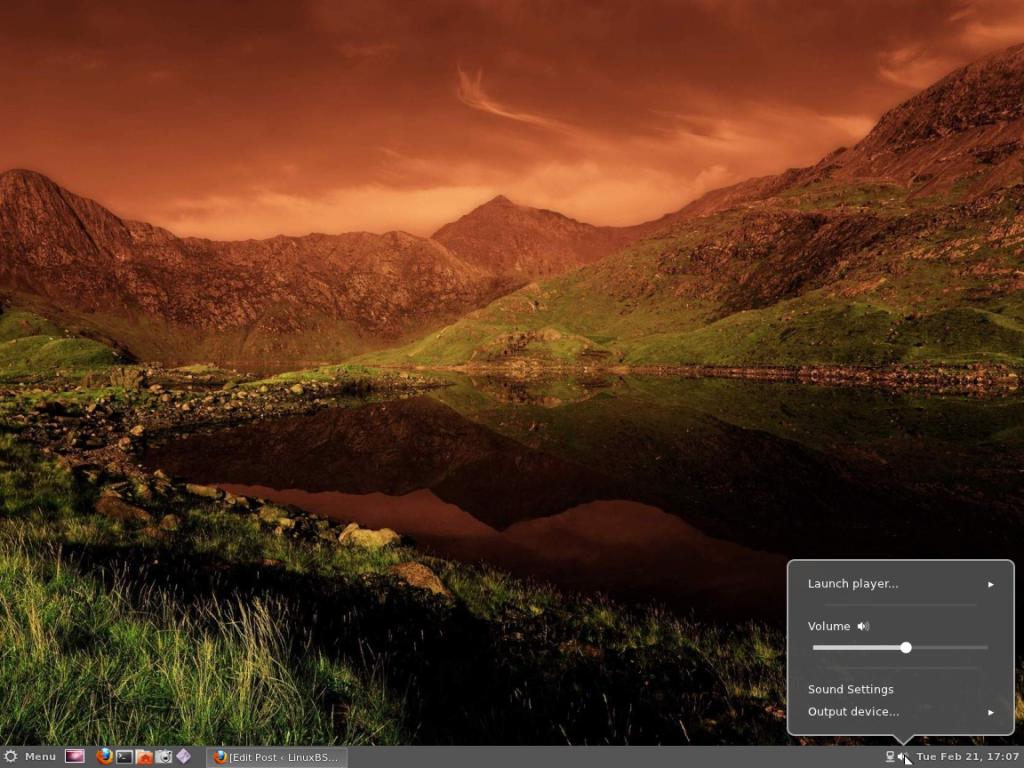
The volume controls.

Desktop context menu.





This is good! Will it work for 12.04 beta?
It should.
The muffin links only have 1.0.0.
The 1.0.1 versions have been taken offline. Don’t know why.
If you try the versions available and it does not work, and you really want to run Cinnamon, I still have the 1.0.1 versions that I downloaded while I was writing the tutorial. I can email ’em to you on request.
Or just install Linux Mint 12 (its Ubuntu 11.10 under the hood but the mint boys add a little extra polish)
Thanks very much. Installed without a hitch and looks lovely.
Cheers