
Linux Deepin is a desktop distribution based on Ubuntu. The latest edition, Linux Deepin 12.06, which is based on Ubuntu Desktop 12.04, was released – depending on your time zone – yesterday or today.
Linux Deepin is one of the very few distributions that use the GNOME 3 desktop that I will gladly recommend to anybody, even first time users of Linux. It is probably the best Ubuntu-based distribution, and in many respects, it is even better than its parent distribution.
While a detailed review and other how-to articles on this latest release are still in the works, here are a few screen shots from a test installation for your viewing pleasure.
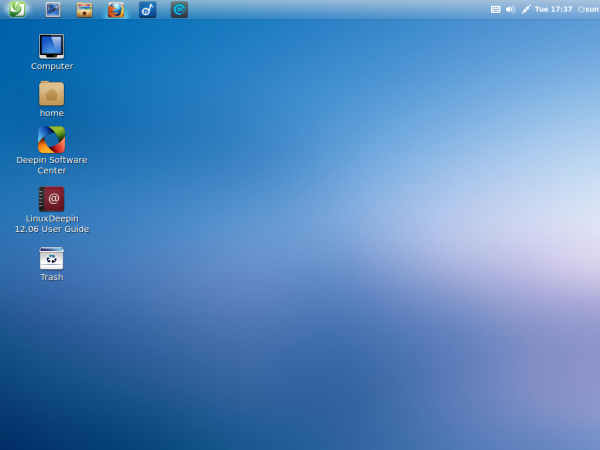
The default desktop.

Yep, the panel can be moved, in two mouse-clicks, to the bottom.

Mission Control.

Partial list of installed applications.

Deepin Music Player.

Deepin Media Player. Plays music and video files, with a video screen shot feature.

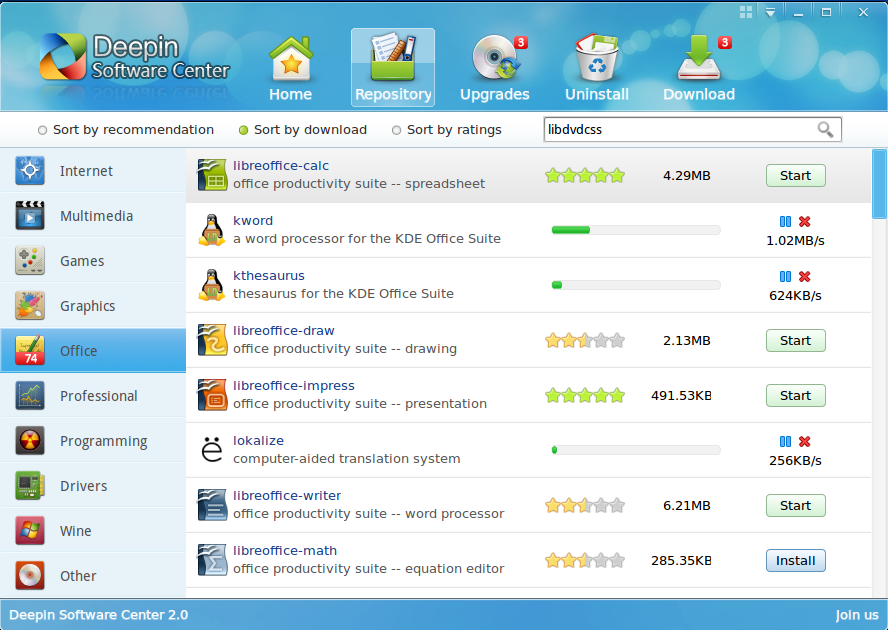
Deepin Software Center. One of the very best graphical package managers. Better than most you have ever used.

And like virtually all Deepin-developed applications, it comes with a set of skins.

The default desktop in Fallback mode.

Linux Deepin comes to us from China. You may download an installation image from here.



Wow that’s grea8 i will try it someday.
It is really confusing for any one to see more than 100 Linux OS – why there is so much of OS on the same Linux?
That’s actually a good question. Depending on your perspective, it is a good or bad effect of the freedom to tinker.
Truely, running ‘UBUNTU’ Desktop are not quite known here in the Philippines, as we commonly install, Win-xp / Vista & win 7 operating systems. For almost a year, that I’ve been reading about ‘UBUNTU’ news & furoms, to get some knowledge on how to run the system. So I did try to clean install ‘Linux Deepin 12.06’, where I was able to download the CD software application from this site. Evrything was fine! and Ok! compared to my Windows 7 ultimate operating system. But there’s only one thing! I want to learn more on, how? to install other types of applications, like for example the ‘Yahoo Msgr’. Hope I could be able to get some simple methods regarding this matter. Thank you very much!
Distros that based on ubuntu always better.
Better than Ubuntu itself, right?
wow looks grt !!
I agree about the Deepin Sofware Centre which I use on Ubuntu. It encourages me to have a look at the entire OS
it look nice and u make me thinking to try it
thanks
The Ubuntu software center should also have the updater built into it. I really like that feature in the Deepin Software Center.