Posts Tagged ‘tutorials and tips’
How to create a user account on Hymera Open
Hymera Open is a desktop-oriented, GNU/Linux distribution. Based on Debian, it’s one of several editions of the Linux operating system published by Hymera Engineering S.r.l, an Information Technology firm based in Milan, Italy. Hymera Open is one of the best distros I’ve ever reviewed. This post is just a simple tutorial on how to create [...]
How to configure Firestarter firewall on Zenwalk 6.2
Zenwalk 6.2, the latest release of Zenwalk, ships with Firestarter, a graphical configuration tool for IPTables. IPTables is the enterprise-grade firewall application built into the Linux kernel. While IPtables is not the easiest application to configure from the command line, graphical frontends like Firestarter makes it reasonably easy for anyone to configure.
Adding a user on Zenwalk 6.2
User management is a very basic administrative task on any operating system. Performing that task on Linux is just as simple as on any other OS. Experienced users already know how to do this, but if you are a new convert to Linux, and are using Zenwalk 6.2, the latest edition of Zenwalk, this tutorial [...]
How to install Java Runtime on Zenwalk 6.2
Zenwalk is a Slackware-based, Linux operating system. Version 6.2, the latest release, does not come with Java Runtime Environment (jre) installed. What that means is that your browser will not be able to run Java applets when it encounters any on the Web. That’s the bad news. The good news is that the full Java [...]
Pardus 2009 firewall, NTP, and openSSH server configuration
Pardus is a Linux, desktop-oriented distro that was just reviewed here. This post is to help you configure some very important aspects of the operating system that should have been enabled out of the box. Expert knowledge is not required to make these configuration changes, just the ability to point and click.
Seven Steps to Better SIP Security with Asterisk
In case any of you were wondering why there has been a fairly notable upswing in the attacks happening on SIP endpoints, the answer is “script kiddies.” In the last few months, a number of new tools have made it easy for knuckle-draggers to attack and defraud SIP endpoints, Asterisk-based systems included. There are easily-available [...]
Customizing Zenwalk Linux 6 Xfce Desktop
Zenwalk is a Slackware-derived Linux distribution. The latest upgrade – Zenwalk 6 – was just recently. If you have not done so already, you may read a review here. This goal of this tutorial is to help those new to Zenwalk make their desktop a little bit more, let’s say, user-friendly. If you are an [...]
Debian GNU/Linux 5 installation options
The Debian GNU/Linux installer has always been one of the best installers you’ll find on any free operating system. My one gripe with it is that it involves far too may steps. That is still true with updated installer that comes with Debian 5, the latest release of the distro. However, this new installer has [...]
Which Debian 5 iso image should you download?
Like previous Debian GNU/Linux releases, Debian 5 gives you a number of options when it comes to downloading an iso image for installation. Regardless of platform – x86, x86-64 or any supported platform, you may choose to download a full CD, DVD, USB, or a floppy image, or a small “netinst” iso image.
Sabayon Linux 4 Installation Guide
Sabayon Linux is a Gentoo-based, multi-purpose distribution. Like previous versions of Sabayon Linux, the latest upgrade version, Sabayon Linux 4, installs – by default, more stuff than you’ll ever need. This tutorial provides step-by-step instructions on how to install a much leaner Sabayon Linux 4 desktop using the K Desktop Environment, the default desktop environment..
Configure LVM on Sabayon Linux 4
Sabayon Linux 4 is one of a handful of Linux distro that uses LVM as the default disk partitioning scheme. Linux Logical Volume Manager (LVM) is a feature built into the Linux kernel that brings some benefits to hard disk configuration and management under Linux that is not possible with the traditional method of disk [...]
Linpus Linux 9.6 Installation Guide
Linpus is a Linux distribution developed and supported by Linpus Technologies, Inc., a company based in Taipei, Taiwan. The latest stable version, Linpus 9.6, or any other version for that matter, has no accessible documentation online. So if you are new to Linux and need some hand-holding installing Linpux 9.6, this step-by-step installation guide is [...]
OpenSSH Server Installation on Linux Mint 6
OpenSSH is a free implementation of the SSH protocol. It is developed by the OpenBSD team, and provides secure replacements for rlogin, telnet, and ftp. By default, only the client is installed on Linux Mint 6. To install the server, follow these simple steps.
Install Elisa Media Center on Linux Mint 6
Elisa Media Center is a modular, cross-platform media center application developed by Fluendo S.A. of Spain. It is installed by default on Sabayon Linux, but on most other distros, you will have to install it yourself. Luckily, it is available as a package in the default repository of Linux Mint (6).
Linux Mint 6 Installation with Custom Disk Partitioning
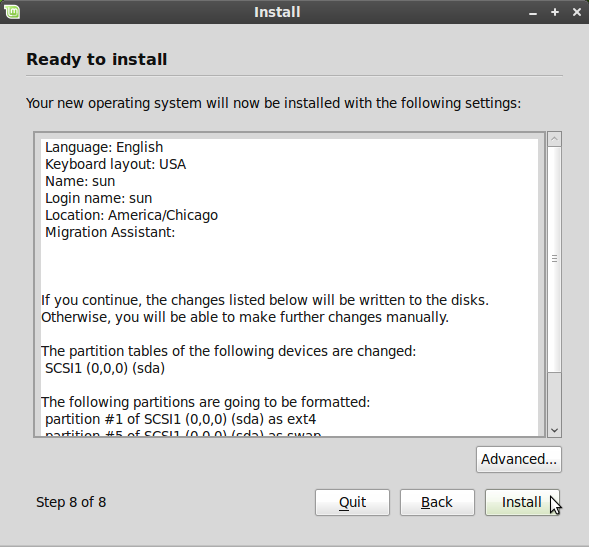
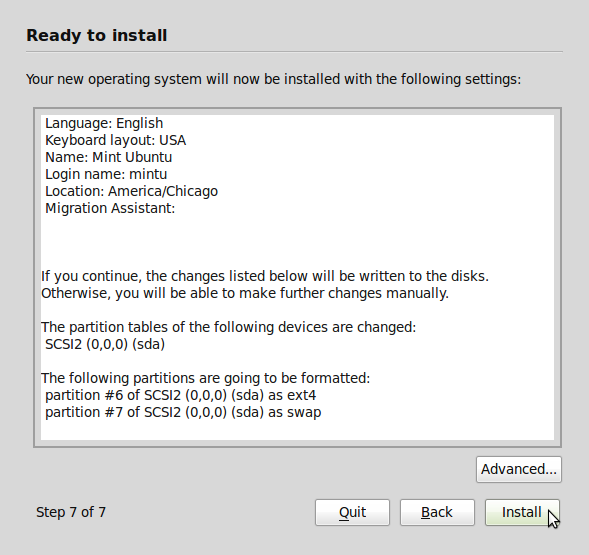
Linux Mint 6, the latest stable version of Linux Mint, a (Linux) desktop distro based on Ubuntu 8.10, was released on December 15, 2008. As with Ubuntu and other Ubuntu-based distros, installing Linux Mint (6) involves a simple, seven-step process. On a default installation, the installer creates two partitions: A primary partition for the / [...]
Qt Widgets and the Third Dimension
Some people have been asking how to embed Qt painted content (and especially Qt widgets) in a 3d scene. As I’ve been wanting to do this ever since we added QTransform supporting fully projective transformations, I sat down and wrote a small example demonstrating these capabilities. With no further delay, I present WolfenQt:
Install Elisa Media Center on Foresight Linux
Elisa Media Center is a free and open source media center application developed by Fluendo SA, the same Spanish company responsible for the development of the Codeina Codec installation Service. It is installed by default on Sabayon Linux, but on a distro like Foresight, you will have to install it yourself.
A “Grey Hat” Guide for Security Researchers
The following is a verbatim reproduction of Jennifer Granick’s original post In counseling computer security researchers, I have found the law to be a real obstacle to solving vulnerabilities. The muddy nature of the laws that regulate computers and code, coupled with a series of abusive lawsuits, gives researchers real reason to worry that they [...]
Elisa Media Center on Ubuntu 8.10
Elisa Media Center is a free and open source, cross-platform media center application from Fluendo SA, the same Spanish company responsible for the development of the Codeina Codec Installer Service. It (Elisa) is installed by default on Sabayon Linux and Mandriva Linux Powerpack 2009, but on distros like Ubuntu, you will have to install it [...]
Openfiler 2.3 and Interface Bonding
Openfiler is an rPath Linux-based, free and open source NAS/SAN software solution. We have previously written a comparative post about Openfiler and FreeNAS, the other free and open source NAS/SAN software solution. In this tutorial, we provide some guidance on how to configure interface bonding in Openfiler 2.3, the latest stable version.
LVM Configuration in Ubuntu 8.10
There are two desktop editions of Ubuntu, the popular Linux distribution. The one most people are used to is the Live CD version, the edition that allows you to take it for a spin without installing it on your PC. The problem with the Live CD edition is that the installer is a watered-down, graphical, [...]
Contributing with Git
Git is an open source, distributed version control system written by Linus Torvalds, the creator of the Linux kernel, the core of the Linux operating system. Google recently hosted the first Git Developer Conference in their Mountain View headquarters. The three-day event featured talks by prominent Git developers.
A Guide to DRM-Free Living
Welcome to our brief guide to living a DRM-free existence. We want to provide a range of links pointing you toward online stores, video/music players, software and hardware that will help you take back your rights as a concerned customer and citizen.
Ubuntu 8.10 Tidbits
The desktop version of Ubuntu 8.10, which was released just yesterday, comes with a few nice features. Aside from those few new features, there are a few other features that we think you should know, that is if you are new to the world of Ubuntu.
Configure LVM in Fedora 9
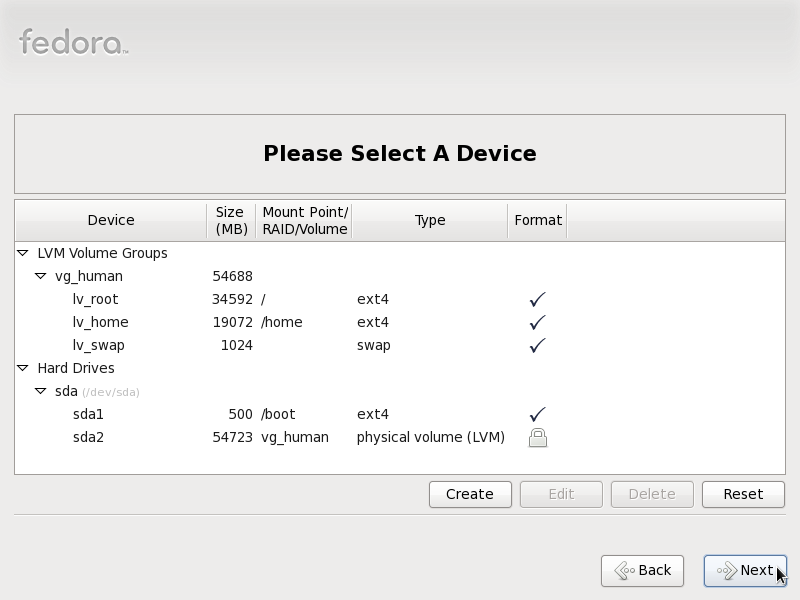
Aside from one small, but very important difference, configuring Linux Logical Volume Manager (LVM) in Fedora 9 is just about the same as configuring it in Foresight Linux, CentOS, and StartCom. All four distros use the Anaconda installer.
Configure LVM in Foresight Linux
Foresight is a Linux distribution built around the Conary package management system, with Gnome as the default desktop environment. Like most Linux distributions, Foresight is installed to hard disk using the traditional disk partition system. In this tutorial, we are going to provide a step-by-step guide (with screenshots) on how to configure Linux logical volume [...]
Openfiler 2.3 Administrator Guide
Openfiler is one of two active, open source NAS/SAN solutions that we have listed on this site. The other one is FreeNAS, a BSD-based distribution. A feature comparison of these two projects is available here
Configure LVM in Mandriva Linux Free 2009
Mandriva Free is one of the editions of desktop Linux distros published by Mandriva, the French Linux solutions provider. The others being Mandriva One and Mandriva Powerpack. In this tutorial, we are going to offer a step-by-step guide on how to configure Linux Logical Volume Manager (LVM) in Mandriva Linux Free 2009.
Mandriva Linux 2009 Firewall
The Linux operating system has its own built-in, enterprise-grade firewall. However, not all Linux distributions ship with a graphical client fro configure and manage it. Mandriva (Linux 2009) One is one of a handful that ships with a fully configured graphical firewall client.
Mandriva Linux 2009 Titbits
Mandriva Linux 2009 was recently released to the public. Here we provide some titbits from Mandriva One, one of the free editions of Mandriva Linux 2009. The other editions are:Mandriva Free, and Mandriva Powerpack. Mandriva Powerpack is the commercial edition, available for purchase from the Mandriva website.
Linpus 9.6 Tips
If you read our review of Linpus 9.6, and are thinking about installing it or recommending it to friends and family, we have a few tips for you.
How Linux Distros Configure and Manage LVM
This is part 2 of a multi-part series on Linux logical volume management. If you are not already familiar with LVM, you may read part 1 here We are huge fans of Linux logical volume management, and if you know just the basic benefits of using it, you will understand why. In spite of the [...]
Graphical Firewall Clients for Linux Desktops
The Linux kernel has a built-in firewall called IPTables. Therefore, regardless of your (Linux) distro of choice, the firewall in use will always be the same. But while some distros ship with a gui client to configure and manage the firewall, others do not. Fedora, Mandriva, Parsix, and Sabayon, are example of Linux distros that [...]
Building a Fedora-Based VoIP Server
There are not a whole lot of active Linux or BSD-based Telephony/IP-PBX distros, but the few we have are quite good and easy to setup and configure. Of the four that we have profiled on this site, only AskoziaPBX is based on a BSD (FreeBSD) distro. The others – trixbox, Elastix, and AsteriskNOW – are [...]
NetworkManager: Secret weapon for the Linux road warrior
NetworkManager is one of those “must-have” and “must-be-installed-by-default” applications that I like to see running on any Linux or BSD desktop distro. The nm-applet, NetworkManager’s client application, is a Gnome desktop tool, and it is installed by default on the latest Gnome desktops. Similar applets exist for the K Desktop Environment – KDE, but none [...]
Installing Xara Xtreme
Xara Xtreme is one of several desktop graphics applications developed by Xara Group, a UK software developer. It was a Windows-only application until early 2006 when the code base was open-sourced, and work on the Linux port began.


Subscribe by email